
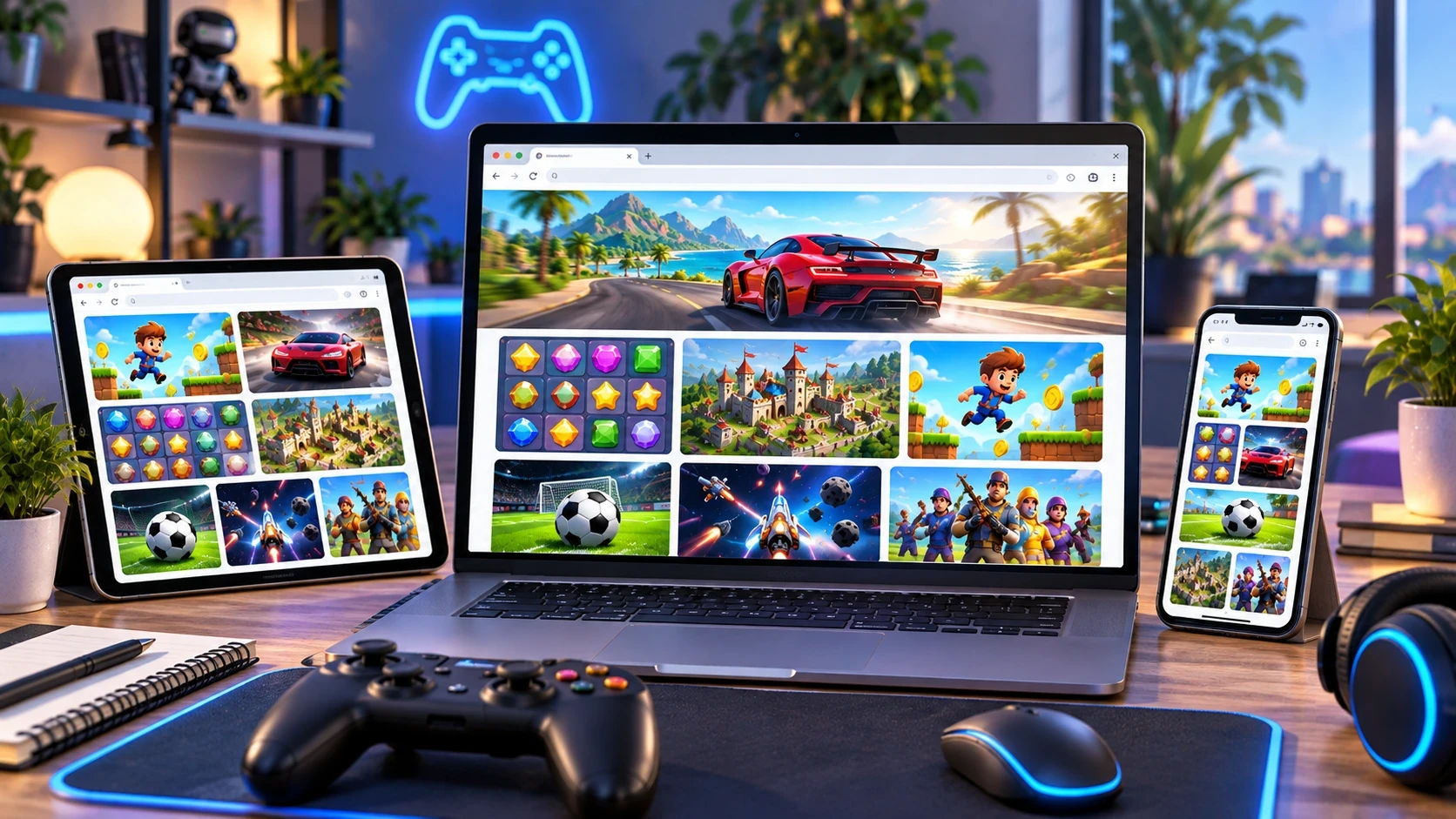
Have you ever opened a website, clicked Play, and started enjoying a game without installing an app or downloading a large game file?
If yes, you have already experienced a browser game.
Browser games are video games designed to run directly inside a web browser. Instead of downloading a traditional game application, you open a webpage and the game loads within the browser. Modern web games can include everything from simple puzzles and card games to racing, arcade, strategy, sports, action, and multiplayer experiences.
The biggest attraction is convenience. You can discover a game, click a button, and play instantly on a compatible device.
In this beginner's guide, we'll explain exactly what browser games are, how they work, why they are popular, what “no download” really means, and how beginners can start playing free online games.
What Are Browser Games?
A browser game is a video game that is played through a web browser rather than through a separately installed game application.
Popular browsers such as Chrome, Firefox, Safari, and Edge provide the environment needed to run modern web games. When you visit a page containing a browser game, the browser loads the files required for the experience and executes the game within the webpage.
This means you usually don't need to:
- Install a desktop game launcher
- Download a large installer
- Visit an app store
- Install a special browser plugin
- Wait for a traditional installation process
Instead, you can open a game page and start playing.
The term browser game describes where the game runs. You may also hear terms such as HTML5 game, web game, or online browser game. These terms overlap, although they are not technically identical.
Modern browser games commonly use technologies such as HTML, CSS, JavaScript, Canvas, WebGL, Web Audio, and other browser APIs.
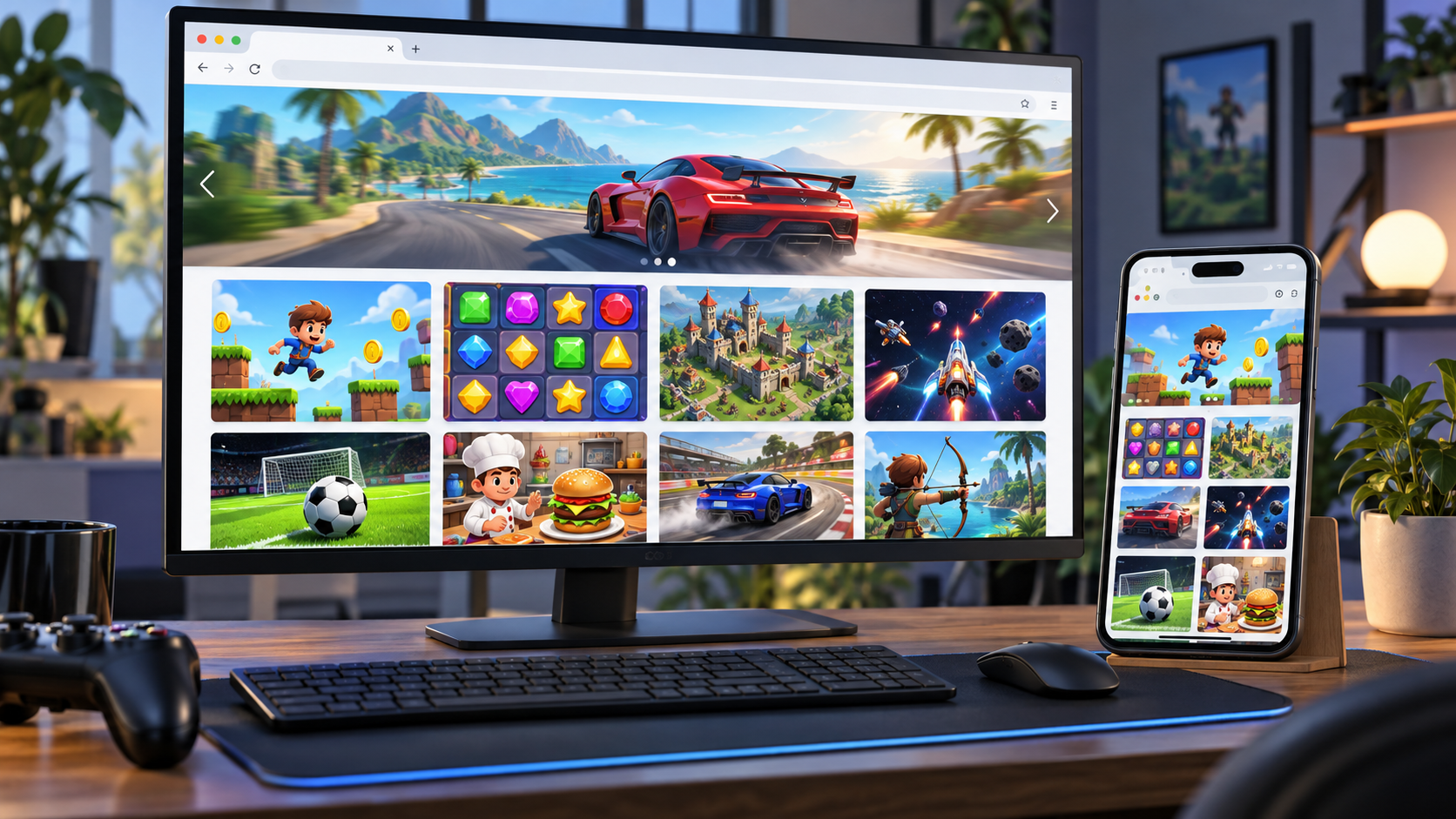
How Do Browser Games Work?
At first, a browser game can seem almost magical.
You click Play, wait for the game to load, and suddenly an interactive game appears inside the webpage.
Behind the scenes, several web technologies are working together.
1. HTML Provides the Structure
HTML provides the basic structure of the webpage and can provide elements that the game interacts with.
2. JavaScript Runs Game Logic
JavaScript is commonly used to control game rules, player input, animations, scoring, menus, levels, enemies, and other interactive elements.
3. Canvas Can Draw Game Graphics
The HTML Canvas API gives developers a way to draw 2D graphics and animations inside a webpage.
A simple arcade game may use Canvas to draw characters, obstacles, backgrounds, particles, and other elements.
4. WebGL Can Handle Advanced Graphics
For more graphically demanding experiences, WebGL can provide hardware-accelerated graphics capabilities inside compatible browsers.
This makes it possible to create browser games with considerably more sophisticated visuals than the simple web games many people remember from the early internet.
5. The Browser Handles Input
Your browser can also receive input from:
- Mouse
- Keyboard
- Touchscreen
- Game controllers
- Other supported input devices
That is why the same web game can sometimes work on a desktop computer, tablet, and smartphone with different control methods.
What Does “No Download” Actually Mean?
You will often see browser games described as “no download” games.
This phrase can be slightly confusing.
“No download” usually means no separate game installation is required.
The browser still has to receive the webpage, JavaScript, images, audio, game data, and other resources required to run the game. Those files may be temporarily stored or cached by the browser.
So, when you click a no download game, you're not magically receiving zero data. Instead, you avoid the traditional process of downloading an installer and installing a separate application.
That distinction is important.
A small puzzle game might load very quickly, while a more advanced 3D web game may need considerably more data before it becomes playable.
The practical benefit remains the same: open the webpage, let the required content load, and play without a conventional installation.
Why Are Browser Games So Popular?
One of the biggest reasons people enjoy browser games is accessibility.
You don't necessarily need a gaming PC, console, or large amount of storage.
If you have a compatible device, a modern browser, and an internet connection for loading the game, you can often begin playing within moments.
Here are some of the biggest advantages.
Instant Access
The most obvious benefit is speed.
Instead of searching an app store, downloading an installer, creating storage space, and waiting for installation, you can often simply open a webpage and click Play.
That's especially useful when you want something entertaining during a short break.
No Traditional Installation
Browser games don't normally require a separate executable installer.
This makes them convenient for shared computers, temporary gaming sessions, and people who don't want another application installed on their device.
Cross-Device Convenience
Many modern web games are designed to work across multiple screen sizes.
A game may support desktop mouse and keyboard controls while also providing touch controls for smartphones and tablets.
However, compatibility varies from game to game, so always check the game's supported devices and controls.
Huge Variety
Browser gaming isn't limited to one genre.
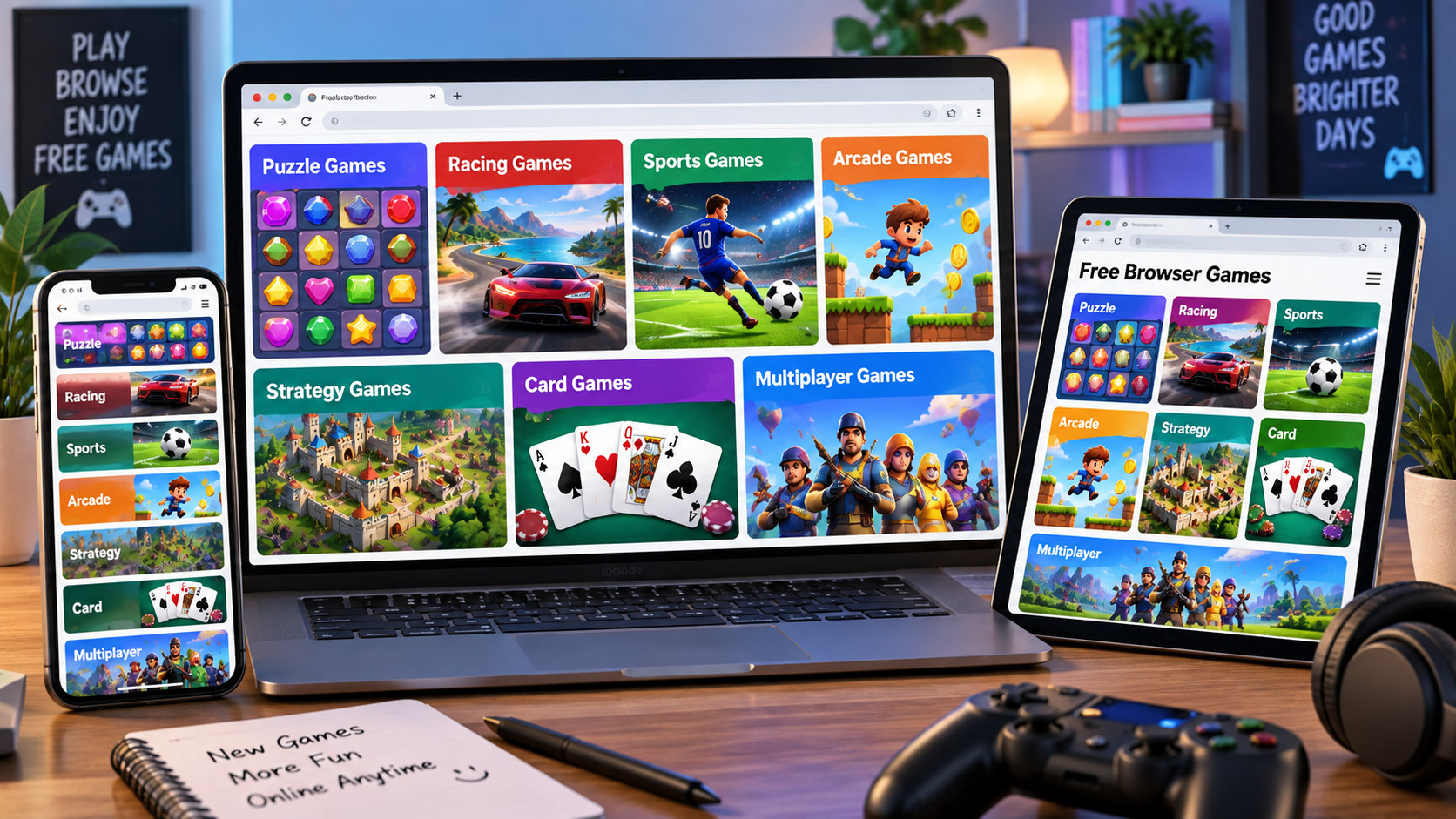
You can find:
- Puzzle games
- Arcade games
- Racing games
- Sports games
- Strategy games
- Card games
- Board games
- Word games
- Action games
- Shooting games
- Simulation games
- Multiplayer games
- Idle and clicker games
- Adventure games
This variety is one reason free online games continue to attract different types of players.
Browser Games vs. Downloaded Games
So, are browser games the same as traditional games?
Not exactly.
The biggest difference is how you access and run them.
A traditional PC game might require you to download an installer, install the game, store files on your device, and sometimes use a dedicated launcher.
A browser game generally starts from a webpage.
Browser Games
- Open through a web browser
- Usually no separate installation
- Easy to access through a URL
- Often designed for quick sessions
- Can work across multiple devices
- May require an internet connection
Downloaded Games
- Usually require installation
- Can use substantial device storage
- May require a dedicated launcher
- Can offer larger and more complex experiences
- Some can work offline
- Often provide deeper access to hardware and operating-system features
Neither format is identical to the other.
Browser games focus heavily on accessibility and convenience, while installed games can provide more control over files, performance, graphics, and offline functionality.
Are Browser Games the Same as HTML5 Games?
You'll often see HTML5 games and browser games used almost interchangeably.
There is a small distinction.
A browser game is defined primarily by where you play it: inside a web browser.
HTML5 refers to modern web standards and is commonly used as shorthand for games built using modern browser technologies.
Modern web games can combine HTML with JavaScript, CSS, Canvas, WebGL, Web Audio, WebAssembly, and other browser technologies.
So, an easy way to remember it is:
Browser game = where you play it.
HTML5/web technology = how much of the modern web platform is used to build it.
What Types of Browser Games Can You Play?
One of the best things about browser gaming is the range of genres.
Puzzle Games
Puzzle games are ideal when you want to think rather than react quickly.
Examples include tile matching, word puzzles, sorting games, logic challenges, number puzzles, and spatial games.
You can explore Unique100's puzzle games to find browser-friendly puzzle experiences.
Arcade Games
Arcade games usually focus on simple controls, quick reactions, high scores, and repeatable gameplay.
Endless runners, obstacle games, tapping games, and classic-inspired arcade experiences fit naturally into this category.
Racing Games
Browser racing games can range from simple top-down racers to more advanced 3D driving experiences.
They are a good option when you want a short competitive session without installing a large racing title.
Strategy Games
Strategy games ask you to think ahead.
You may manage resources, arrange pieces, solve tactical problems, build structures, or make decisions that affect the next stage of the game.
Sports Games
Want to play football, basketball, cricket, golf, or other sports without installing a large sports title?
Browser-based sports games can provide quick matches and simple controls.
Card and Board Games
Classic games such as chess, checkers, solitaire, mahjong, and card games have translated particularly well to the web.
They often work well with both mouse and touch controls.
For example, Unique100 includes browser versions of games such as Checkers, giving players a straightforward way to play a familiar board game online.
Word Games
Word games are another popular category for browser gaming.
Word searches, spelling challenges, vocabulary games, quizzes, and word puzzles can be played in short sessions while still providing a mental challenge.
Where Can You Play Free Online Games?
There are many websites offering online games, and different platforms have different libraries and approaches.
Unique100 provides a growing collection of free online games across categories such as puzzle, arcade, strategy, action, racing, board, and simulation. You can browse the Unique100 game collection and choose a game directly from the browser.
Other well-known gaming platforms include Poki, CrazyGames, and Miniclip.
Poki describes its platform as a place to play free games instantly in the browser, with games available across desktop, tablet, and mobile.
CrazyGames similarly focuses on free online games that can be loaded directly in a browser across desktop and mobile devices.
Miniclip is another long-established name in online gaming. Its current web offering includes titles such as 8 Ball Pool and Agar.io, while the company has increasingly focused on mobile gaming.
The important point is that you have many places to discover games you can play online, so you can explore different platforms and find the type of experience you enjoy.
How to Play Browser Games
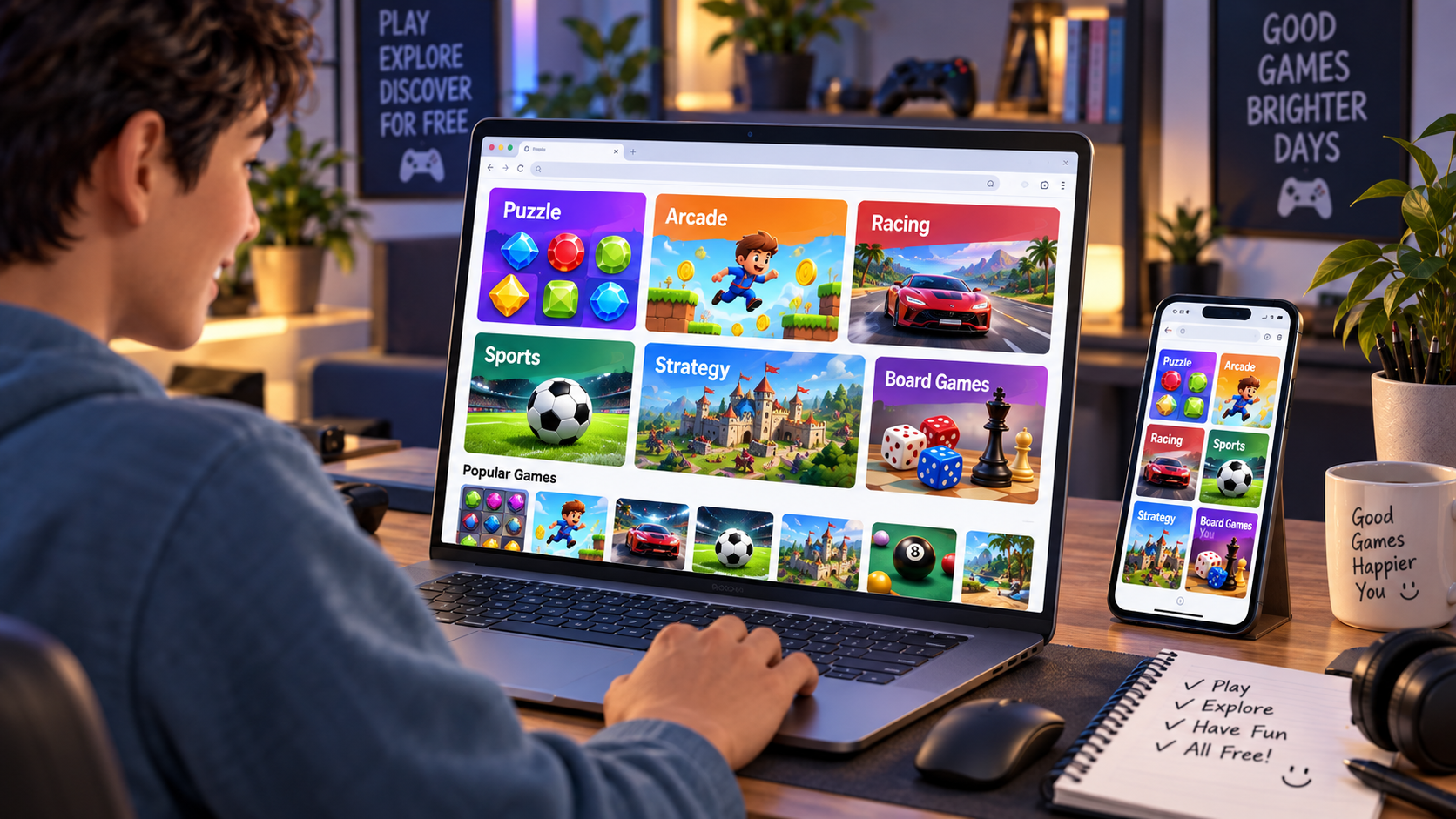
If you're completely new to browser gaming, the process is simple.
Step 1: Choose a Game
Find a game that matches your interests.
If you like thinking, try a puzzle or strategy game.
If you prefer quick action, try an arcade or racing game.
If you want something relaxing, try a casual card or word game.
Step 2: Open the Game Page
Click the game's title or thumbnail.
The game page should explain what the game is and provide a way to start playing.
Step 3: Press Play
Select the Play, Start, or similar button.
Give the game a moment to load.
Step 4: Learn the Controls
Check whether the game uses:
- Arrow keys
- WASD
- Mouse
- Mouse clicks
- Touch controls
- Keyboard shortcuts
Some games explain the controls before the first round.
Step 5: Start Playing
Once the game has loaded, you're ready.
That's the core appeal of browser gaming: the distance between discovering a game and actually playing it can be very small.
Can You Play Browser Games on Mobile?
Yes, many browser games work on smartphones and tablets.
Modern web technologies allow developers to create responsive game interfaces that adapt to different screen sizes.
Some games are designed specifically around touch controls, while others work better with a keyboard and mouse.
For mobile players, look for games that clearly support touch input.
Simple genres such as:
- Puzzle
- Card
- Word
- Idle
- Casual arcade
- Tap-based games
often work especially well on touchscreens.
However, demanding games may perform differently depending on your device, browser, graphics hardware, and internet connection.
What Do You Need to Play Browser Games?
You usually need only a few basic things:
A Modern Web Browser
Chrome, Firefox, Safari, Edge, and other modern browsers can support many contemporary web games.
A Compatible Device
You can potentially play on:
- Desktop computers
- Laptops
- Smartphones
- Tablets
- Chromebooks
The exact experience depends on the individual game.
Internet Access
Most browser games need an internet connection to initially load their webpage and game resources.
Some web games may continue working after their resources have loaded, while others require an ongoing connection, especially multiplayer games.
Enough Performance
Not every browser game has the same hardware requirements.
A simple 2D puzzle may run comfortably on an older device, while a 3D game can demand significantly more processing and graphics performance.
Are Free Online Games Really Free?
The word free can mean different things.
A free online game may allow you to play its core gameplay without paying an upfront price.
However, some websites or games can use advertising, optional purchases, subscriptions, accounts, or other monetization methods.
Always check the game's description and the platform's terms if you're unsure.
Also remember that “free” does not automatically mean “safe.”
Choose reputable gaming websites, keep your browser updated, and avoid suspicious pages that ask you to install unknown software simply to play a game.
Is “No Download” Gaming Safe?
Browser gaming can reduce the need to install unknown software, but you should still use normal internet safety practices.
A legitimate browser game should not normally require you to install an unrelated executable simply to start an HTML5 game.
Be cautious if a game page suddenly asks you to:
- Download an unknown .exe file
- Install an unfamiliar browser extension
- Disable browser security
- Enter sensitive personal information
- Provide payment information unexpectedly
- Open suspicious pop-ups
Use trusted gaming platforms and keep your browser and operating system updated.
“No download” is a convenience, not a guarantee that every website on the internet is trustworthy.
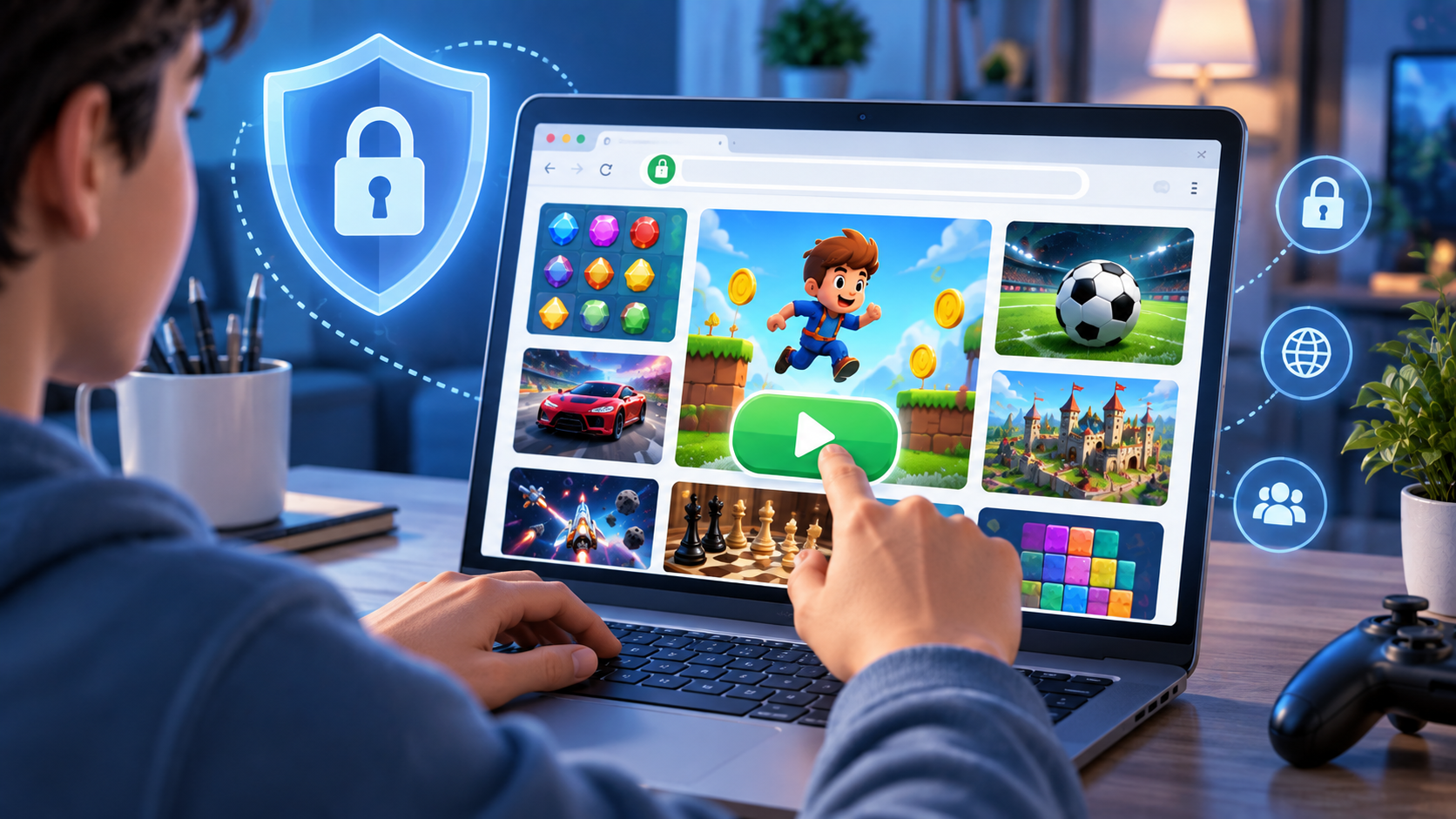
Why Browser Games Are Great for Beginners
If you've never played online games before, browser games are an easy place to start.
You don't need to understand complicated game launchers or download large files.
You can simply:
Choose → Click → Load → Play.
This low barrier to entry also makes browser games useful for people who only want a short gaming session.
For example, you might have ten minutes available and want to play a quick puzzle game.
Instead of installing something new, you can open a browser, find a game, and start playing almost immediately.
This is especially useful for casual players who don't consider themselves traditional gamers.
Tips for Getting a Better Browser Gaming Experience
Want smoother gameplay?
Try these simple tips.
Keep Your Browser Updated
New browser versions often include performance improvements, security fixes, and better support for modern web technologies.
Close Unnecessary Tabs
A large number of open tabs can consume memory and system resources.
Closing tabs you aren't using can sometimes improve browser-game performance.
Use a Stable Connection
A stable connection is particularly important for multiplayer games and games that load larger resources.
Try Fullscreen Mode
If the game provides a fullscreen option, using it can make the experience more immersive and may make controls easier to see.
Check the Controls Before Playing
Understanding the controls before starting can save time and prevent unnecessary mistakes.
Use Headphones When Appropriate
Games with sound effects, music, or audio feedback can be more enjoyable with headphones, particularly when playing in a noisy environment.
Browser Games Are More Than Simple Mini-Games
Some people still associate web games with extremely simple Flash games from the early days of online gaming.
The browser gaming landscape has changed significantly.
Modern browser technology supports much more sophisticated interactive experiences.
Today's web games can include:
- Multiplayer gameplay
- 3D graphics
- Real-time competition
- Physics systems
- Persistent progress
- Responsive touch controls
- Audio systems
- Leaderboards
- Large game worlds
- Complex strategy systems
The exact experience depends on the game and the technology behind it.
The modern browser is no longer just a tool for reading webpages. It can also serve as a capable interactive gaming environment.
The Difference Between Online Games and Browser Games
The terms online games and browser games are related, but they aren't exactly the same.
An online game generally refers to a game that uses an internet connection in some way.
A browser game refers to a game that runs through a web browser.
For example, a multiplayer game launched through a dedicated PC application can be an online game but not necessarily a browser game.
On the other hand, a single-player puzzle that runs directly in your browser can be a browser game even if it doesn't need constant multiplayer communication.
So:
Online game = describes the connection model.
Browser game = describes the platform/environment where the game runs.
Some games are both.
Why People Search for “Play Free Online Games”
Searches such as “free online games,” “play free online games,” “games online,” “browser games,” and “no download games” all reflect the same basic desire: people want convenient entertainment without a complicated setup.
The phrase “play instantly” is especially relevant to browser gaming because the format is built around reducing the steps between finding a game and starting it.
For a casual player, convenience matters.
If someone can discover a game, understand the controls, and start playing in a few clicks, they are more likely to give that game a chance.
That is one of the fundamental strengths of web gaming.
What Is the Future of Browser Gaming?
Browser games are likely to continue evolving alongside web technology.
As browsers become better at graphics processing, audio, networking, storage, and hardware acceleration, developers gain more tools for creating interactive experiences.
Technologies such as WebGL and WebAssembly already allow developers to build browser experiences that go well beyond traditional webpage interactions. Modern HTML5 gaming also supports responsive experiences across desktop and mobile environments.
For players, the result is simple:
More games can become easier to access without requiring a traditional installation.
The browser may continue to become an increasingly important place to discover, test, and play games.
Start Playing Browser Games Today
Browser games make gaming accessible.
You don't necessarily need a powerful gaming computer, a console, or a large installation.
You can open a browser, choose a game, and start playing.
Whether you enjoy puzzles, racing, arcade challenges, sports, strategy, word games, board games, or casual experiences, there are plenty of free online games available to explore.
If you're new to browser gaming, start with something simple.
Try a puzzle, play a quick arcade game, challenge yourself with a word game, or test your skills with a strategy title.
You can explore Unique100's free online games and discover browser games that you can play directly from your device.
Open your browser. Pick a game. Click Play. Start having fun.
Frequently Asked Questions
What are browser games?
Browser games are video games that run directly inside a web browser. They generally don't require a separate game installation, making them convenient to access from compatible desktop and mobile devices.
Can I play browser games for free?
Yes. Many websites offer free online games that can be played without an upfront purchase. However, individual games may use advertising, optional purchases, accounts, or other monetization methods.
Do browser games require downloading?
Browser games normally don't require a separate installation. However, your browser still downloads the webpage and the files required for the game to run.
Can I play browser games on my phone?
Yes. Many modern browser games support smartphones and touch controls. Compatibility varies by game, device, and browser.
Are browser games the same as HTML5 games?
The terms overlap heavily. “Browser game” describes a game played through a browser, while “HTML5 game” generally refers to games built using modern web technologies.
Do browser games need an internet connection?
Most browser games need internet access to load their webpage and game resources. Multiplayer games generally also need an active connection while you play.
What browser is best for online games?
Modern versions of Chrome, Firefox, Safari, Edge, and other compatible browsers can run many browser games. The best choice depends on the specific game and your device.
Are browser games safe?
Browser games can be safe when played through reputable platforms, but users should still follow normal internet-safety practices. Avoid suspicious downloads, unknown extensions, and websites asking for unnecessary sensitive information.
Where can I find free browser games?
You can discover free browser games on platforms such as Unique100, Poki, CrazyGames, and Miniclip, although each platform has a different library and current availability.